
Videoly
Problem
The product already existed, but brands had no way to share images with recipients, and the images were not connected to the products. I designed an Assets section, tied images to products by variation, and made a portal where the recipient picks up the files.
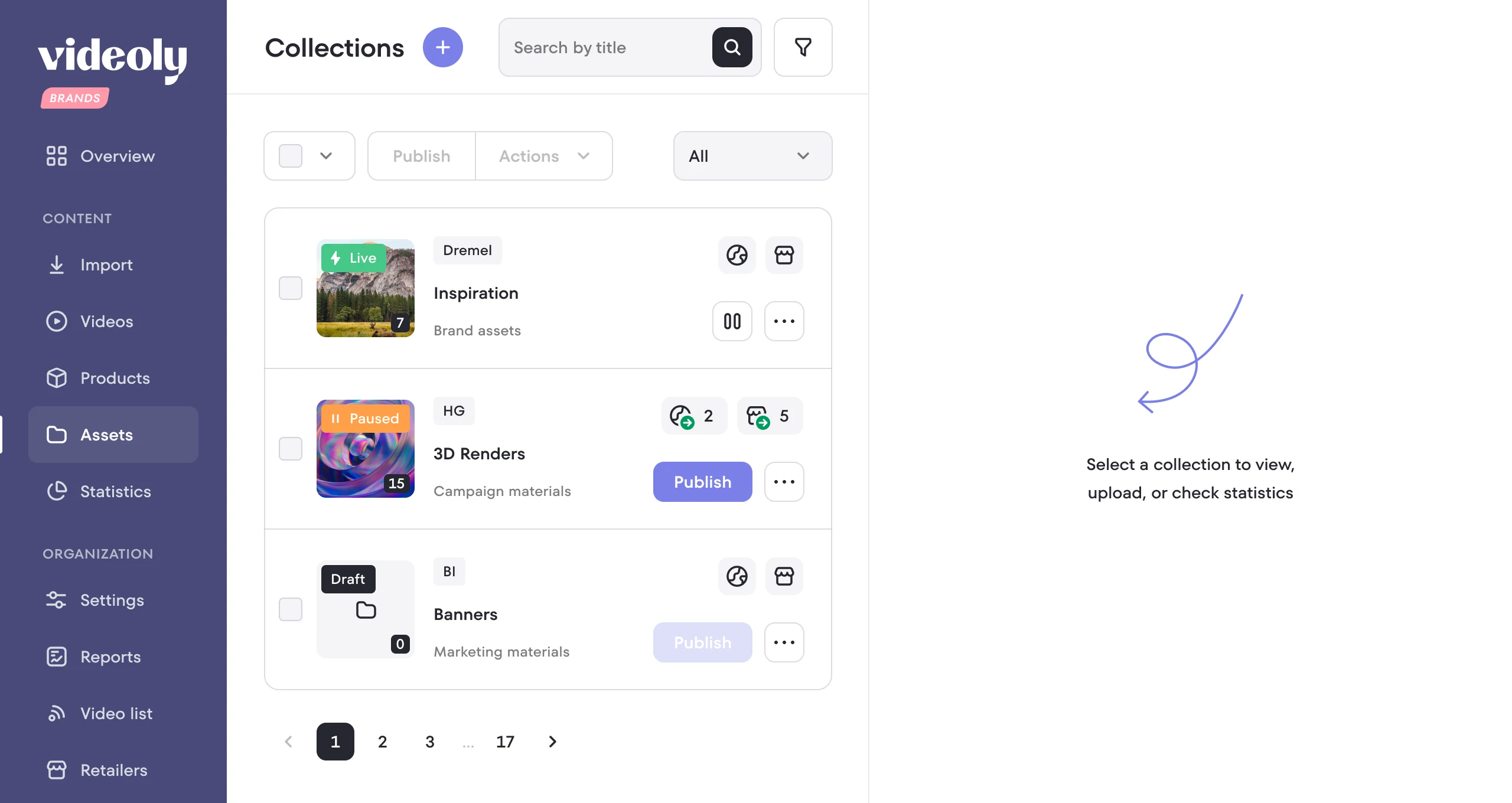
Solution 1. An Assets section inside the existing product
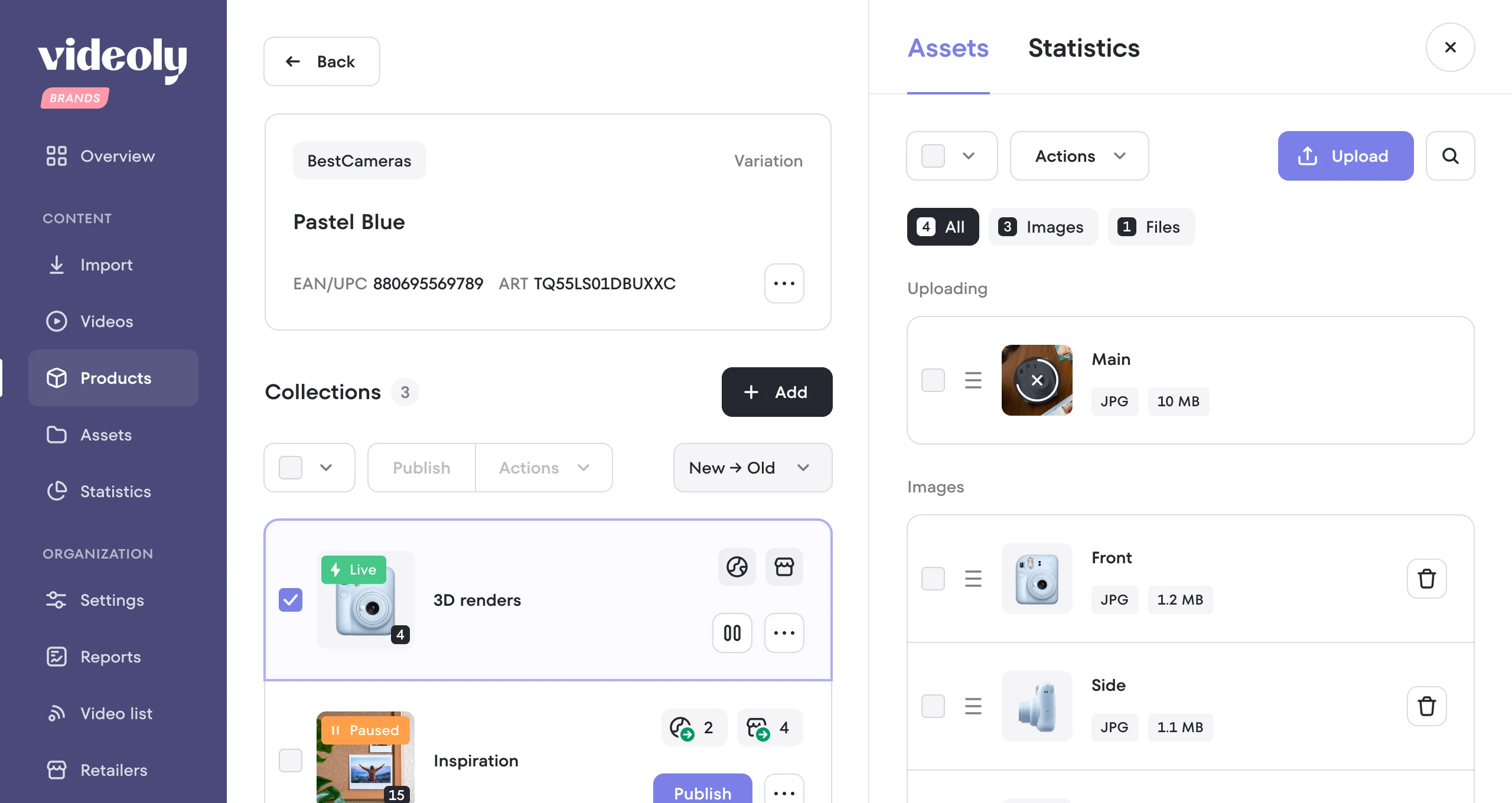
Brands create collections and see the status: live, paused, or draft. The section sits in the current navigation and reads as part of the product, not as a separate module.
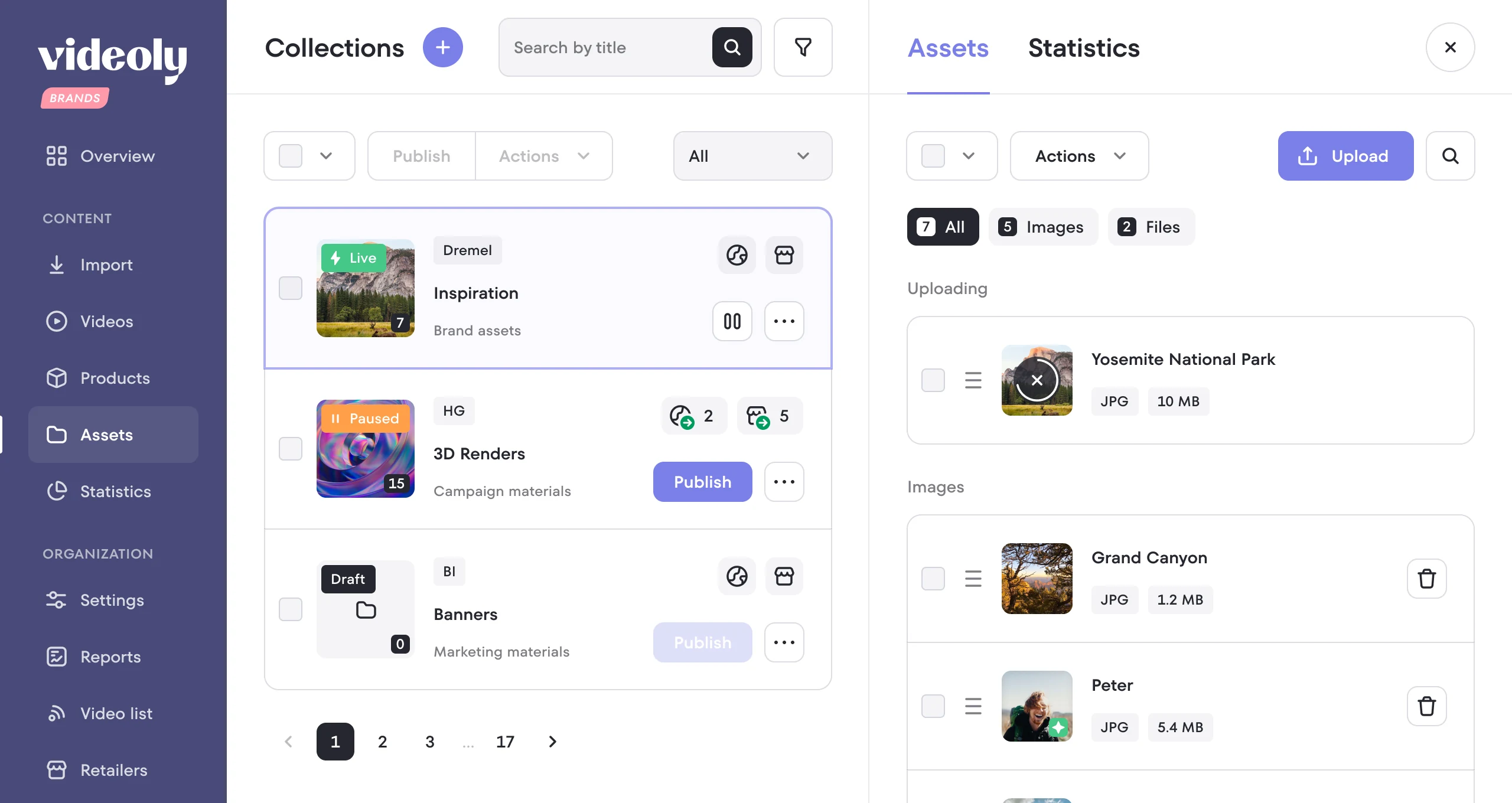
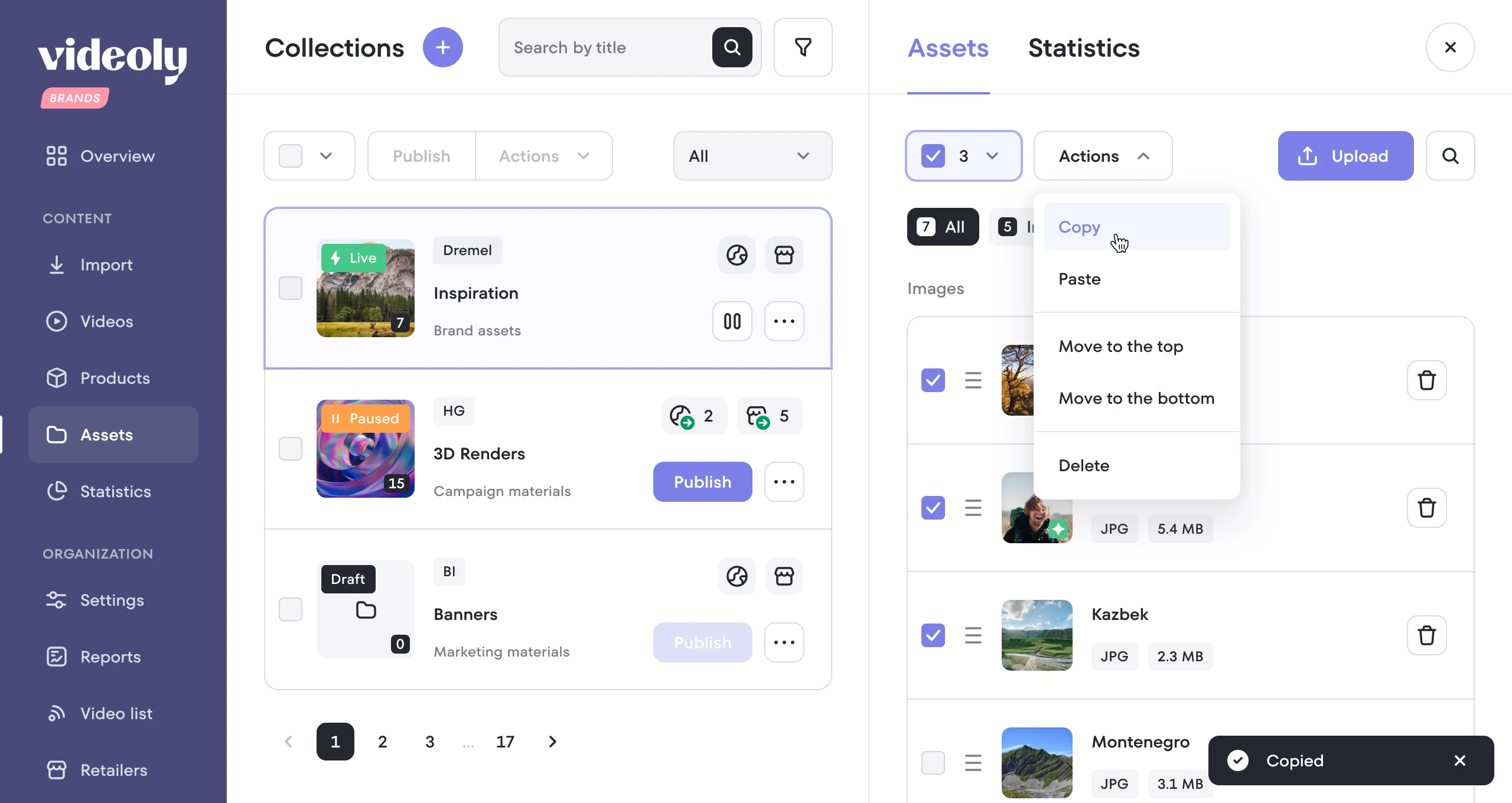
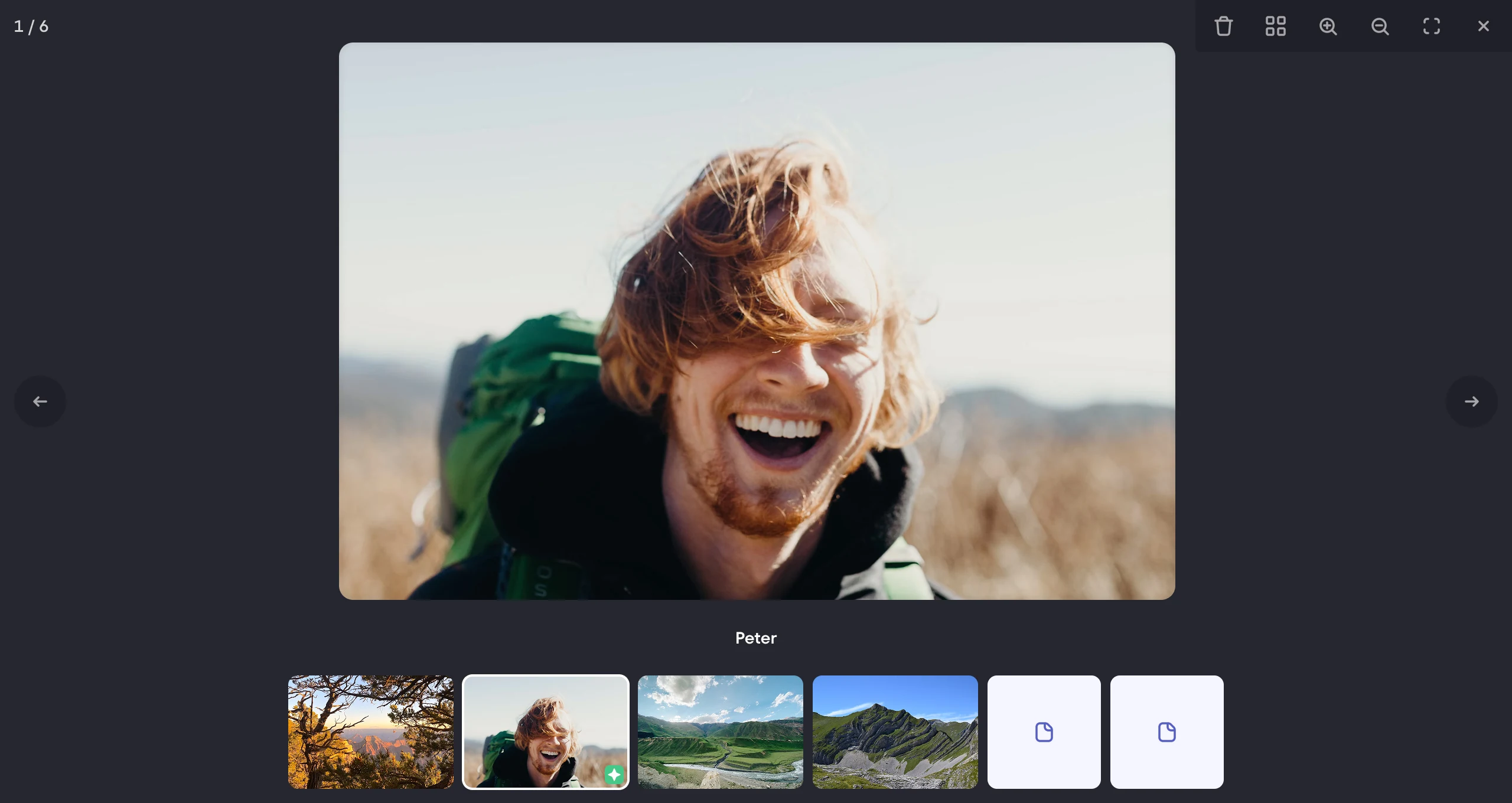
Solution 2. Working with files without extra steps
Images and files are uploaded by dragging them in. Several items can be selected and then copied, pasted, moved up or down, or deleted. A full-screen view lets you check an image before sending.

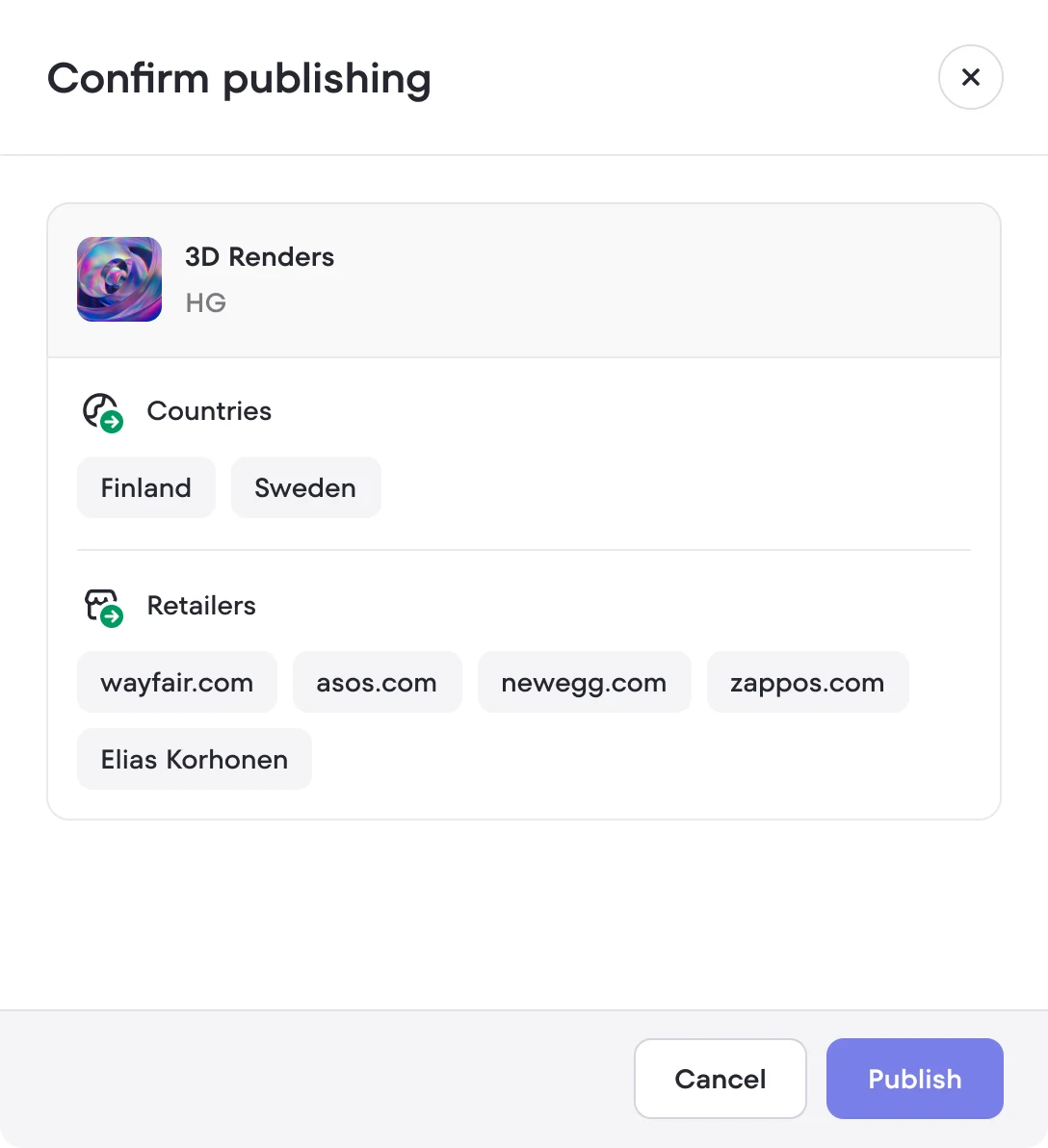
Solution 3. Who and where, with a check before sending
The brand sets distribution rules by country and by retailer. Before sending, a confirmation step appears, to catch a mistake.
Solution 4. Images inside the product structure
Images are tied to products and their variations. Brands share them in two ways: as ordinary assets through collections, and by specific products.
Solution 5. A portal for recipients
The recipient opens the library from a link and picks up their files. The files stay with them, and they hear about new ones automatically.

Solution 6. The brand sees what happened after sending
Statistics show how many recipients received the content, opened it, and downloaded it.

What was hard
The hard part was fitting this into the existing product structure without breaking the visual style. The new work added many entities: collections, assets, countries, recipients, and variations. Each one had to be placed so people would not get lost between the old sections and the new ones.
Result
Live in production. Brands share images as ordinary assets and by product. Recipients pick up the content through a separate portal.